
How to Recover Data from a Broken Phone: A Lab Perspective
In this article
Yes, data can be recovered from a broken phone in most cases. Even if the screen is shattered, the phone won't turn on, or it took a swim in the ocean, the storage chip inside usually still holds your data. At MDrepairs, we recover photos, texts, contacts, videos, and app data from physically damaged phones every day. The key is what you do (and don't do) in the next few minutes. Stop charging it, stop trying to turn it on, and don't take it to a phone repair shop that doesn't have micro-soldering capability.
The rest of this guide explains exactly what "broken" means for your data, what you can safely try at home, and when it's time to send it to a lab.
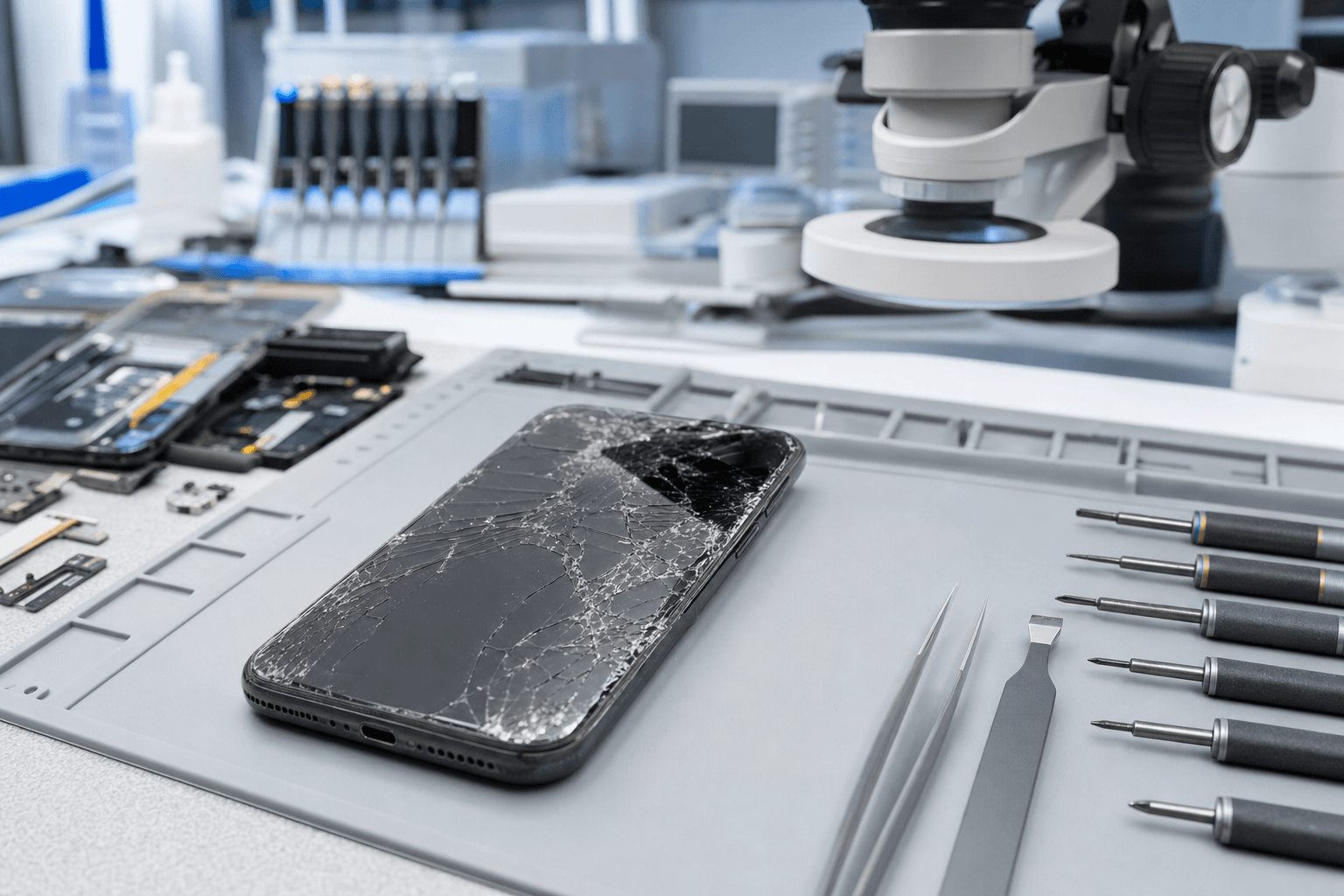
Yes, data can be recovered from most broken phones: the flash storage chip is soldered to the logic board and is tough enough to survive a cracked screen, a dead board, or water. The key is to act fast: stop charging it, stop trying to power it on, and take it to a lab with micro-soldering capability, not a screen-repair shop.
What's usually possible by type of damage:
- Shattered screen / dead display: data is fine; recovered by board or display repair
- Won't turn on (board / power fault): micro-soldering repair restores access
- Water damage: board is cleaned of corrosion, then data is extracted
- Severe board damage: chip-off: the NAND chip is removed and read directly (older models)
- Passcode you don't know: modern iOS/Android encryption can make this unrecoverable
If your phone is cracked, dead, or water-damaged, our cell phone data recovery lab pulls photos, texts, contacts, and app data from physically damaged phones every day.
Is Your Data Actually Lost?
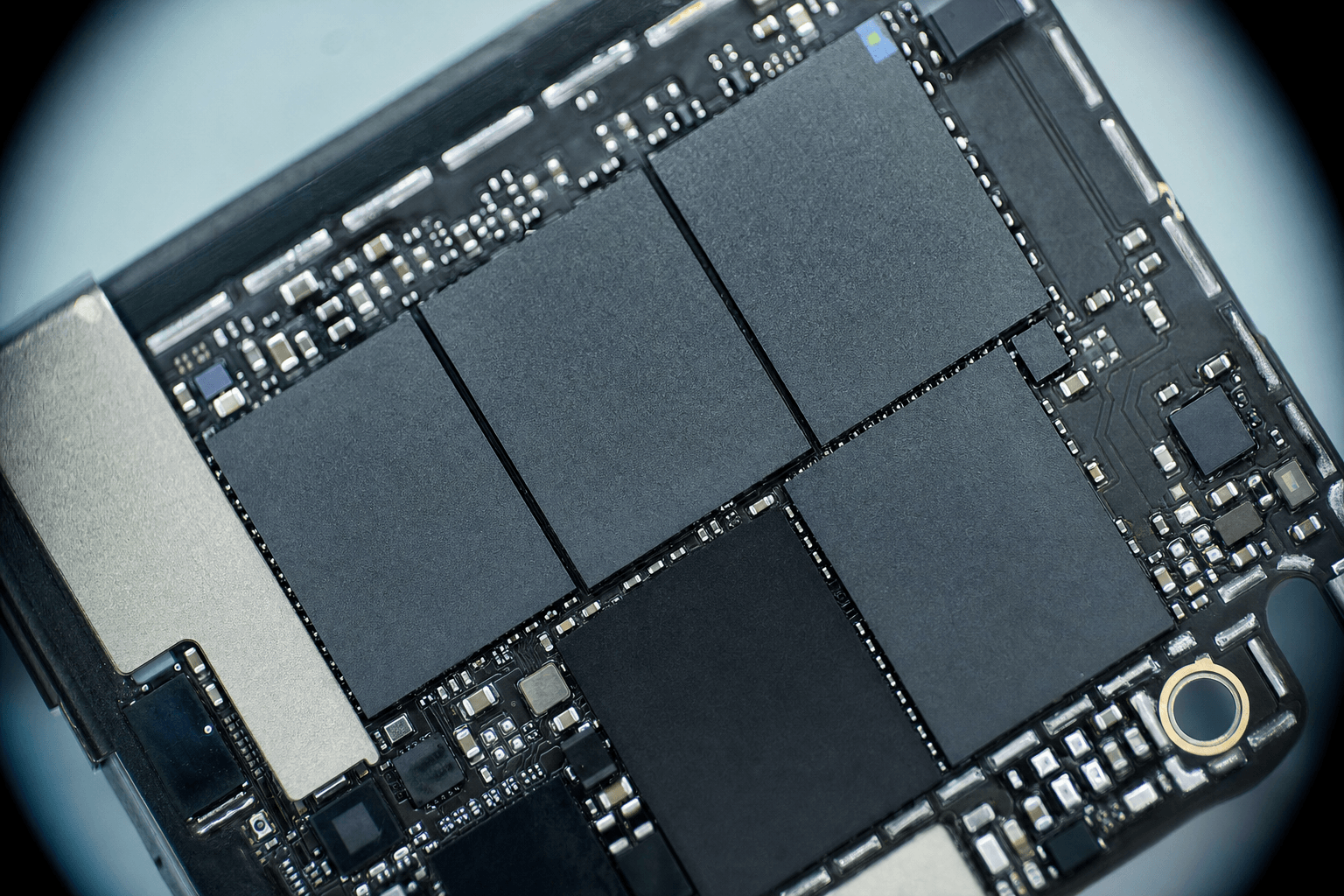
Probably not. Here's something most people don't realize: a broken screen, a dead battery, or even a phone that won't power on doesn't mean your data is gone. Your photos, messages, and contacts live on a NAND flash storage chip soldered to the logic board. That chip is tiny, tough, and remarkably resilient.
Think of your phone like a house. The screen is just the front door. The data is the furniture inside. A smashed front door doesn't destroy the furniture. Even if the house floods (water damage) or the electrical panel blows (logic board failure), the furniture is often still there. You just can't get to it through the normal entrance anymore.
The real question isn't whether your data exists. It's whether a technician can create a path to reach it.
What "Broken" Actually Means for Your Data
Not all damage is equal. Some problems are cosmetic. Others are catastrophic. Here's what we see walk through our door every week and what it means for recovery.
Cracked or Shattered Screen
This is the easiest scenario. If the phone still powers on and responds to touch (even partially), your data is almost certainly fine. You might just need an OTG adapter, Bluetooth keyboard, or screen mirroring to access it. If the screen is completely unresponsive but the phone vibrates or makes sounds, the data is still there. It just needs a screen replacement or a direct data extraction.
Phone Won't Turn On
Could be a dead battery, a failed charging port, a damaged power management IC, or a logic board issue. Sometimes the phone gets stuck in a boot loop where it keeps restarting without ever fully loading. We start by ruling out the simple stuff (battery, charging circuit) before moving to board-level diagnosis. Most "dead" phones have perfectly intact storage chips.
Water Damage
Water and electronics don't mix, but water damage doesn't mean instant data loss. The danger is corrosion, which starts within hours and spreads over days. If you pull the phone out of water, the worst thing you can do is try to charge it or turn it on. That pushes current through corroded pathways and causes short circuits that can fry components permanently.

Physical Damage (Dropped, Crushed, Run Over)
Severe physical damage can crack the logic board itself or break solder joints between components. Last month we recovered 12,000 photos from an iPhone 14 Pro that was run over in a parking lot. The screen was dust, the frame was bent, but the storage chip was intact. That's the norm, not the exception.
Fire or Extreme Heat Damage
This is the toughest scenario. If the logic board is charred or the NAND chip itself was exposed to extreme heat, recovery becomes very difficult. But we've pulled data from phones found in house fires. It depends on how deep the heat penetrated.
Not sure if your phone can be recovered?
Send it in for a diagnostic. We'll tell you exactly what's damaged and what your options are.
Get a Free QuoteSafe Things to Try at Home First
Before you ship your phone to a lab, there are a few things you can safely try. But emphasis on "safely." If any of these don't work, stop. Don't escalate.
If the screen is cracked but the phone works:
- USB-OTG adapter + mouse: Plug a mouse into the phone's charging port with an OTG adapter. You can navigate the screen even if touch is broken.
- Wireless display mirroring: Cast to a TV or computer via AirPlay (iPhone) or Smart View/Miracast (Android).
- Bluetooth keyboard: Pair a keyboard for text entry if the screen responds to some touches.
- Cloud backup check: Log into iCloud, Google Photos, or your carrier's backup service from a computer first.
If the phone won't charge:
- Try a different cable and charger. Seriously. We've had people ready to pay for recovery when the issue was a $5 cable.
- Try wireless charging if the phone supports it.
- Check the charging port for lint or debris. A toothpick can clear compacted pocket lint.
- Let it charge for at least 30 minutes before trying to power on. A deeply discharged battery won't show any signs of life immediately.
Why Recovery Software Won't Save a Physically Broken Phone
Recovery software (Dr.Fone, iMyFone, Tenorshare, etc.) needs one thing to work: a phone that turns on and connects to a computer. If your phone is dead, won't boot, or has a damaged logic board, software has nothing to connect to. It's like trying to download files from a computer that's unplugged.
Even when the phone does connect, modern encryption makes software recovery extremely limited. Since iOS 8 and Android 6.0, phones encrypt everything on the storage chip by default. The encryption key is tied to the phone's processor. You can't just read the chip externally without the phone's own hardware decrypting it first.
This is why physical phone recovery requires board-level repair, not software. We have to fix the phone enough for it to boot and decrypt its own storage.
When to Stop DIY and Call a Professional
Simple rule: if you can't access your data after trying the safe steps above, it's time to call a lab. Specifically:
- Phone won't power on at all (no vibration, no sounds, no charging indicator)
- Phone got wet and won't respond
- Phone was physically crushed or severely damaged
- iPhone shows "iPhone Unavailable" or is disabled
- Screen is completely black with no response to any input
- Phone gets extremely hot when plugged in
- You smell burning from the phone
The longer you wait with water damage or a failing component, the worse it gets. Corrosion spreads. Damaged components can cause cascading failures. Getting it to a lab quickly gives you the best odds.
Inside the Lab: How We Recover Phone Data
Phone data recovery is nothing like hard drive recovery. There are no spinning platters to image. Everything happens at the logic board level, under a microscope, with a soldering iron.

We inspect the phone under a microscope, check the logic board for visible damage (burnt components, corroded traces, cracked solder joints), and test the power management circuit. This tells us what failed and what it'll take to fix it.
For most dead phones, the goal is to repair the logic board enough for the phone to boot. This could mean replacing a failed power management IC, reballing the CPU, repairing damaged traces, or replacing the charging circuit. All of this happens under a microscope with solder tips finer than a human hair.
Once the phone boots, the processor decrypts the storage and we can extract your data. We pull everything: photos, videos, messages, contacts, notes, app data, call history. The extraction goes to a secure drive that we verify before shipping to you.
If the logic board can't be repaired, and the phone is an older model without full-disk encryption, we can desolder the NAND storage chip directly and read it with specialized equipment. This doesn't work on modern iPhones (iOS 8+) or encrypted Androids because the data is unreadable without the phone's processor. But for older devices, it's still an option.
iPhone vs Android: Why Recovery Is Different
These are fundamentally different recovery jobs. The hardware is different, the encryption is different, and the tools are different.
| Factor | iPhone | Android |
|---|---|---|
| Encryption | Hardware-level encryption since iOS 8. Tied to the Secure Enclave chip. Unbreakable without the phone's own hardware. | Full-disk encryption standard since Android 6.0. Implementation varies by manufacturer. |
| Recovery approach | Must repair the logic board to boot. Chip-off is useless on modern iPhones. | Board repair preferred. Chip-off possible on some older or unencrypted models. |
| Passcode locked | If you don't know the passcode and the phone boots, we can't bypass it. Apple's security is that tight. | Varies. Some Android models have known vulnerabilities. Others are as locked down as iPhone. |
| Cloud backup | iCloud backup (check Settings > Apple ID > iCloud) | Google backup (check Settings > Google > Backup) |
| Difficulty | Generally harder due to Apple's tighter hardware integration | Varies wildly by manufacturer. Samsung and Google Pixel are the hardest. |
Bottom line: for both platforms, the phone needs to boot for us to access encrypted data. That's why micro-soldering skill is the most important factor in phone recovery, not software tools. Read more about iPhone-specific recovery or Android recovery.
What Types of Data Can Be Recovered?
If the phone boots, we can get everything that was on it:
- Photos and videos (camera roll, screenshots, downloaded images)
- Contacts (phone numbers, email addresses)
- Text messages (SMS, iMessage, WhatsApp, Signal, Telegram)
- Notes and memos
- Call history
- App data (varies by app)
- Documents (PDFs, spreadsheets, presentations)
- Voicemail
- Browser history and bookmarks
The most common request we get is photos. Family pictures, baby's first steps, wedding day shots, vacation memories. For most people, those are irreplaceable. That's usually what makes recovery worth the cost.
How Much Does Broken Phone Data Recovery Cost?
| Scenario | Price Range |
|---|---|
| Cracked screen (phone works) | $200 - $400 |
| Phone won't turn on (simple fix) | $400 - $800 |
| Water damage | $500 - $1,000 |
| Severe physical/board damage | $800 - $1,200 |
Every case starts with a diagnostic. You get a firm price before you commit to anything. Our No Data, No Charge guarantee means if we can't get your data, you don't pay. For a detailed breakdown specific to Apple devices, see our iPhone data recovery cost guide. Full pricing details are on our pricing page.
Phones and Devices We Recover Data From
We work on everything, not just the latest models:
- Apple: iPhone 6 through iPhone 16 Pro Max, all iPad models, iPod Touch
- Samsung: Galaxy S series, Note series, Z Flip, Z Fold, A series
- Google: Pixel 2 through Pixel 9 Pro
- OnePlus, Motorola, LG, Huawei, Xiaomi
- Older models: Blackberry, Nokia, older Android phones
If your phone isn't listed, reach out anyway. We've worked on just about everything.
Ready to get your data back?
Diagnostic, nationwide mail-in service, No Data, No Charge guarantee.
Start Your DiagnosticIf this helped, these guides cover related scenarios we see in the lab:
Frequently Asked Questions
Can you recover data from a phone that won't turn on?
Yes, in most cases. A phone that won't power on usually has a failed component on the logic board, not damaged storage. We repair the board to get the phone to boot, then extract the data. If the phone keeps restarting instead of staying dead, that's a boot loop, and the recovery approach is slightly different. Success rates are high when the storage chip itself is intact.
Can you recover data from a water damaged phone?
Usually, yes, if you act fast. The biggest factor is time. A phone pulled from water and brought to us the same day has much better odds than one that sat in a drawer for a month while corrosion spread. Don't try to turn it on or charge it. Read our full guide on water damaged phone recovery.
Can you bypass the passcode to get my data?
No. If the phone boots and you don't know the passcode, we can't bypass it. Apple and Google's security is designed to prevent exactly this. If you know the passcode but the phone won't boot, we can repair the board and you unlock it yourself when it powers on.
Is phone data recovery worth the cost?
That depends on what's on the phone. If you've got years of photos that exist nowhere else, wedding videos, messages from a loved one who's passed, or critical business contacts, most people say yes. We break down exactly what iPhone data recovery costs in a separate guide. If everything is backed up to iCloud or Google, you probably don't need recovery at all.
How long does phone data recovery take?
Typically 1-3 weeks for standard service. Water damage cases are prioritized because time matters. Emergency service is available for critical situations. Learn more about recovery timelines.
Do you need the SIM card for recovery?
No. Modern phones store data on internal NAND storage, not the SIM card. The SIM card only holds your phone number and carrier information. Your photos, messages, and contacts are on the phone itself.
What if my phone was factory reset?
On modern iPhones (iOS 8+) and most Androids with encryption enabled, a factory reset destroys the encryption keys, making the data unrecoverable. On older unencrypted phones, factory reset data can sometimes be recovered. Read our guide on recovery after factory reset.
Can I recover deleted photos from a working phone?
Check your Recently Deleted folder first (Photos app on iPhone, Trash in Google Photos). Deleted photos stay there for 30 days. Beyond that, recovery depends on your phone model and whether the data was overwritten. See our guide on recovering deleted iPhone data or recovering deleted photos.
Can you recover data from a phone that was run over by a car?
Probably. We've done it many times. The storage chip is small and tough. Even severe physical damage to the screen, frame, and battery usually leaves the storage intact. The logic board may need repair, but as long as the NAND chip survived, your data is likely recoverable.
Do I need to ship my phone to you?
Yes, for physical damage recovery. Phone board repair requires hands-on micro-soldering that can't be done remotely. We handle mail-in recoveries from anywhere in the US. Pack it in a small box with bubble wrap and ship it to our lab.
What happens to my phone after recovery?
We ship it back to you along with an external drive containing your recovered data. Your phone is returned in whatever condition it arrived. We don't keep copies of your data. Once you confirm receipt, we securely wipe our work drives.
When DIY Phone Recovery Fails
If the safe checks do not get you into the phone, stop before the damage becomes harder to work around. Do not keep charging a phone that gets hot, smells burnt, was wet, or has a bent frame. Do not factory reset, and do not trust software that says it can recover data from a phone that will not boot or connect.
For modern phones, the data is usually encrypted and tied to the original hardware. A lab often has to repair the board enough for the phone to boot and decrypt itself. MDRepairs handles this work in New Jersey for customers nationwide. Start a mail-in phone recovery case and ship the device in for a $100 diagnostic, applied toward recovery. We will tell you what is damaged and whether recovery is practical. No data, no charge.
When a Phone Needs the Lab, Not Another App
Modern phones encrypt everything on internal storage, so real recovery usually means repairing the original board until the device can boot and decrypt itself. That is micro-soldering work, not a download. Our professional data recovery services cover phones, tablets, and the drives and cards that back them up. The diagnostic is $100, applied toward recovery. No data, no charge.
How MDrepairs can help
Real cases like this come through our New Jersey lab every week. If you are dealing with one now, start here.

